

Vertical Marquee Gallery
What You'll Create
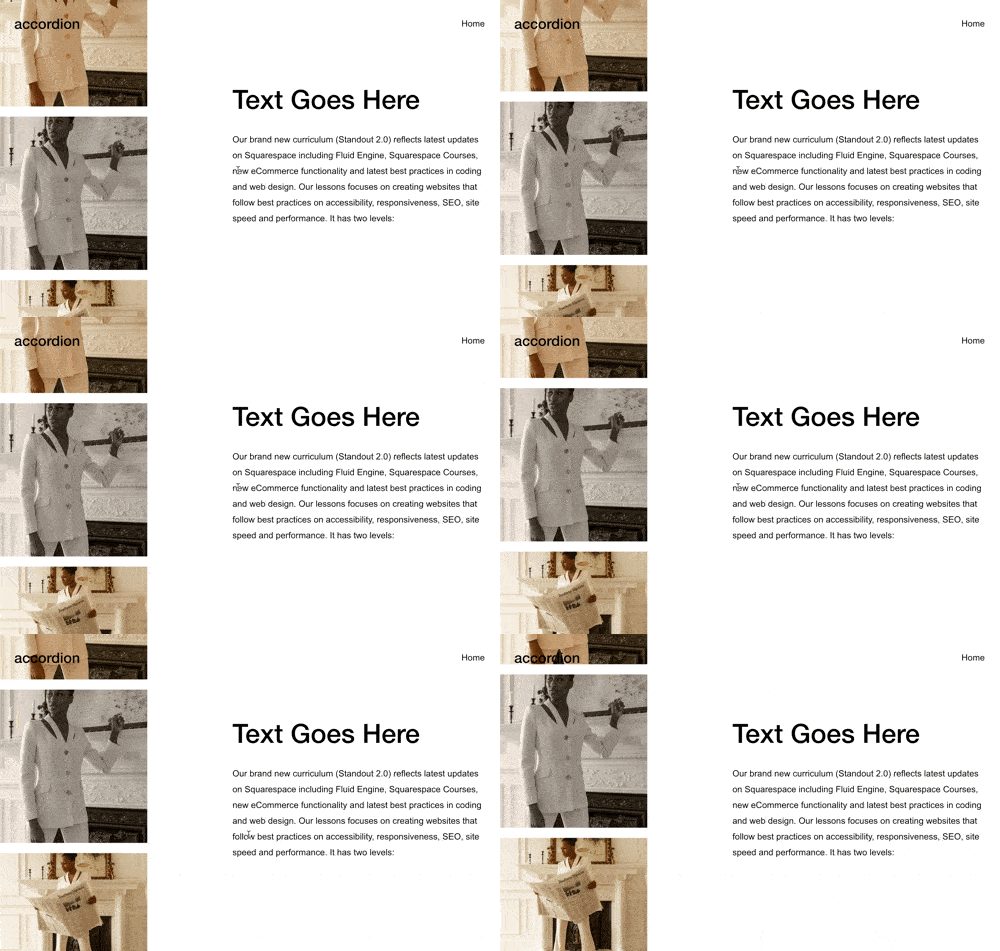
A gallery of images scrolls continuously upward in a smooth, endless loop - creating a dynamic vertical marquee effect that adds movement and visual interest to sidebars or accent areas of your page.
The Problem It Solves
Squarespace galleries are static or require user interaction to move. Creating continuous vertical movement for visual interest typically requires complex custom code or third-party tools. This technique transforms a standard grid gallery into an auto-scrolling vertical showcase.
Perfect For
Sidebar image showcases, Client logo displays, Testimonial photo scrolls, Product image teasers, Portfolio accent sections.
What Makes This Different
The gallery images scroll smoothly upward in an infinite loop using pure CSS animation - no heavy JavaScript libraries needed. The code also prevents lazy loading issues so all images display properly during the animation. You can easily adjust the scroll speed and the gallery automatically adapts to however many images you add.
Details
Section Type: Fluid Engine
Code Type: CSS + JavaScript
Prerequisites: Section with #vertical-marquee anchor, Grid gallery block with minimum 9 images
Toolkit Title: Vertical Marquee
Learn This Technique
This is one of 150+ code techniques taught inside Standout Squarespace, where you get:
The complete, copy-paste code
Video walkthrough explaining how it works
The principles behind the technique so you can customize it
Access to our private community for support