

Age Verification Pop-up
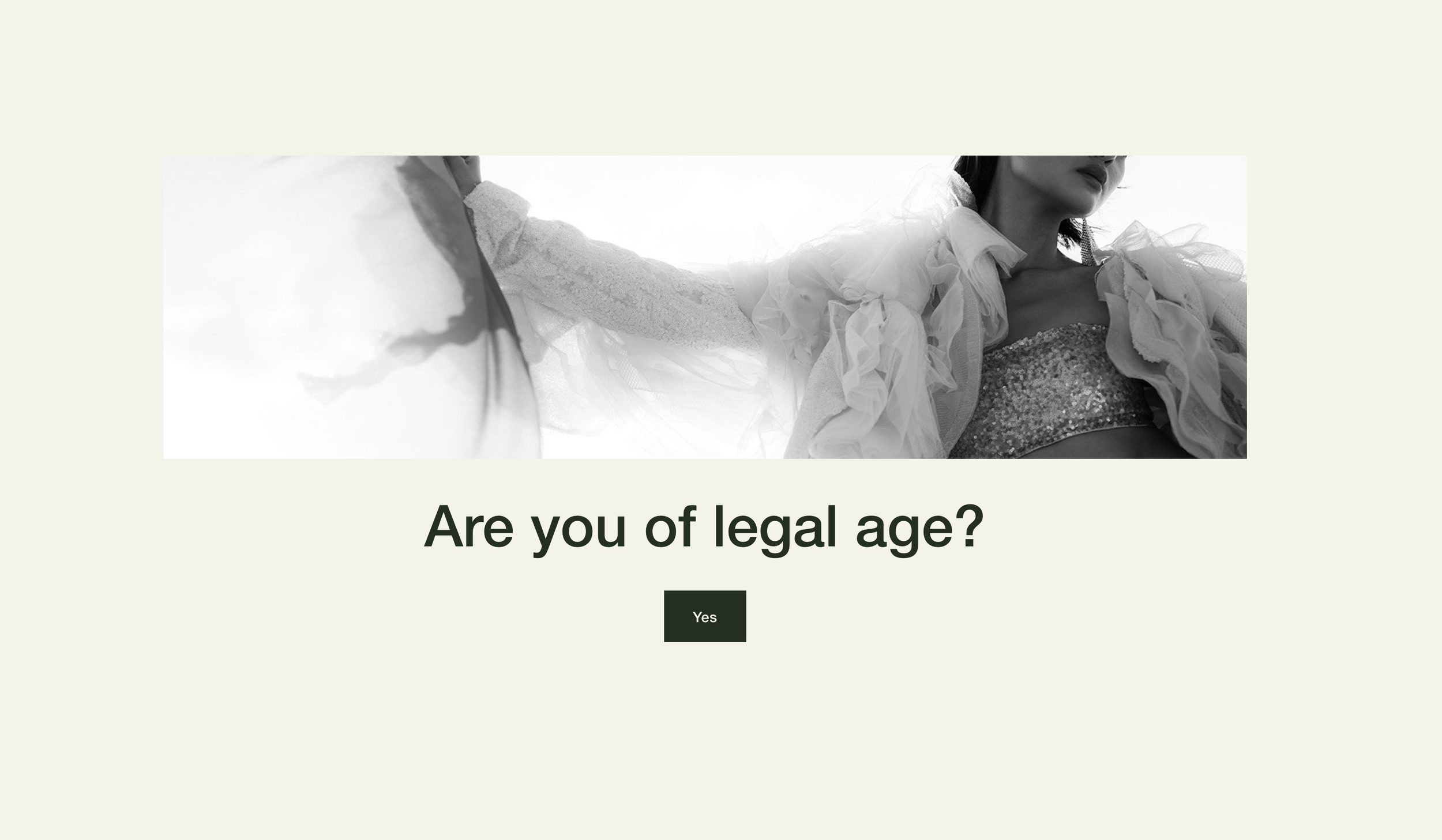
What You'll Create
A full-screen overlay appears when visitors first arrive, asking them to confirm they're of legal age before viewing the site content. Once verified, the preference is remembered so returning visitors skip straight to the content.
The Problem It Solves
Sites selling alcohol, cannabis, adult content, or age-restricted products need legal compliance mechanisms. Squarespace doesn't offer native age verification, forcing site owners to use expensive third-party apps or leave their sites non-compliant.
Perfect For
Wineries and breweries, Cannabis dispensaries, Adult content sites, Tobacco retailers, Any business with age-restricted products or content.
What Makes This Different
The verification popup is built using a regular Squarespace section that you can fully customize in the visual editor - add your logo, customize colors, write your own message. The visitor's verification is remembered in their browser, so they only see it once. The page content stays completely hidden until verification is confirmed.
Details
Section Type: Fluid & Classic
Code Type: CSS + JavaScript
Prerequisites: Footer section with #verification anchor, Button with #yes link for confirmation
Toolkit Title: Age Verification Pop-up
Learn This Technique
This is one of 150+ code techniques taught inside Standout Squarespace, where you get:
The complete, copy-paste code
Video walkthrough explaining how it works
The principles behind the technique so you can customize it
Access to our private community for support