

List Item Description Text Formats
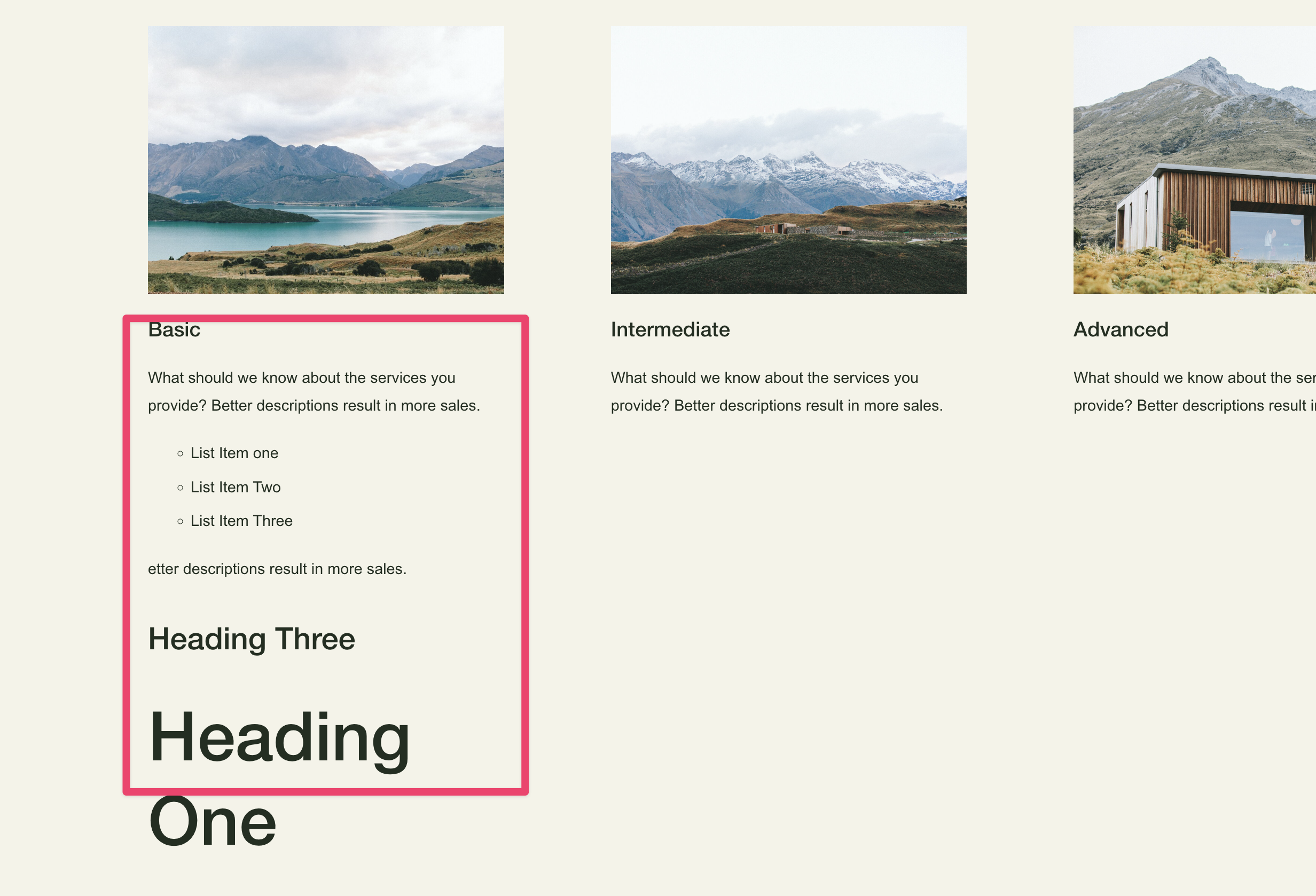
What You'll Create
Give your Squarespace list item descriptions rich formatting capabilities—type '# Heading' for headers, '- item' for bullet points. The script transforms plain text into properly structured content with custom-styled bullet points using decorative SVG icons instead of default markers.
The Problem It Solves
Squarespace's list section description field only accepts plain text - no headings, no bullet points, no formatting whatsoever. This forces designers to either accept flat text or abandon the list section entirely. This technique parses simple markdown-style syntax and dynamically converts it to proper HTML elements.
Perfect For
Service pages with detailed offering breakdowns, team bios with structured information, pricing tables with feature lists, FAQ sections with organized answers, product descriptions with specifications.
What Makes This Different
This technique lets you add rich formatting to list descriptions using simple text shortcuts—type # for a heading or - for a bullet point, and they transform into properly styled elements. You can create structured content with headings and nested lists inside any list item description. Custom bullet icons replace the default dots with decorative shapes that match your brand.
Details
Section Type: Fluid Engine
Code Type: CSS + JavaScript
Prerequisites: List section with description text using markdown-style formatting
Toolkit Title: List Item Description Text Formats
Learn This Technique
This is one of 150+ code techniques taught inside Standout Squarespace, where you get:
The complete, copy-paste code
Video walkthrough explaining how it works
The principles behind the technique so you can customize it
Access to our private community for support