

Image Flow Cursor Effect
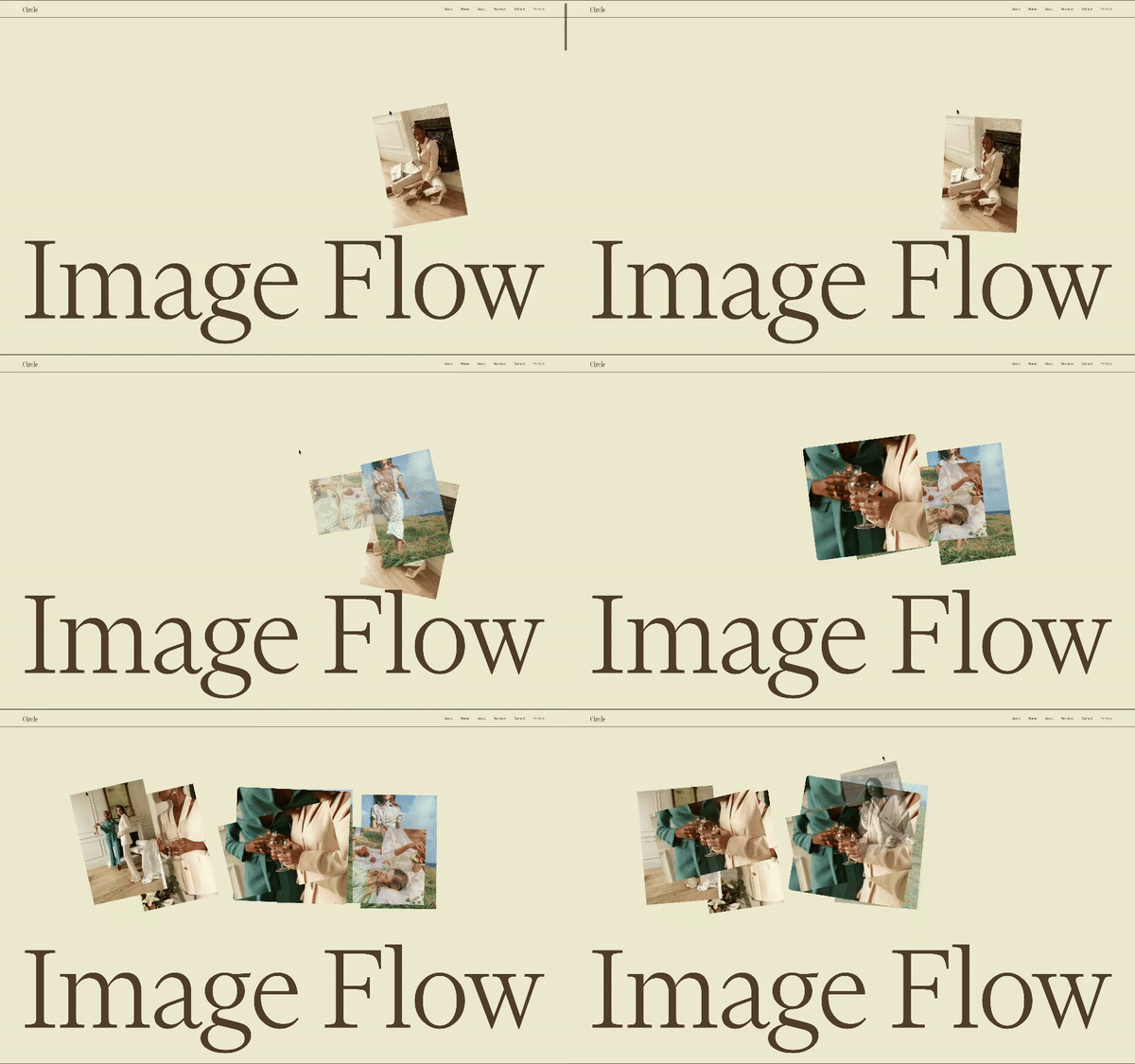
What You'll Create
Moving your cursor across the section spawns gallery images that appear at the cursor position, gently float with slight rotation, then gracefully fade away - creating an ethereal, interactive experience that showcases portfolio work in a playful, memorable way.
The Problem It Solves
Static image galleries feel passive and forgettable. Visitors scroll past without engaging deeply with the work. This cursor-reactive effect transforms portfolio sections into interactive experiences that invite exploration, increase time on page, and create lasting impressions of creative sophistication.
Perfect For
Creative portfolios showcasing visual work, artist websites with gallery sections, photography sites with image previews, design agency hero sections, fashion or lifestyle brand lookbooks.
What Makes This Different
Images spawn at your cursor position, gently float with slight rotation, then gracefully fade away - creating an ethereal, dreamlike effect. The animation uses professional-grade timing for smooth, polished movement. A smart distance check prevents overwhelming the page when moving quickly. Images are pulled from your existing gallery, so updating the visuals is as simple as changing gallery images.
Details
Section Type: Fluid Engine
Code Type: CSS + JavaScript
Prerequisites: Gallery block (grid layout) with one image having
#flowimagedecoras clickthrough URL, GSAP library loaded via CDNToolkit Title: Image Flow
Learn This Technique
This is one of 150+ code techniques taught inside Standout Squarespace, where you get:
The complete, copy-paste code
Video walkthrough explaining how it works
The principles behind the technique so you can customize it
Access to our private community for support