

Dot Navigation for Sections
What You'll Create
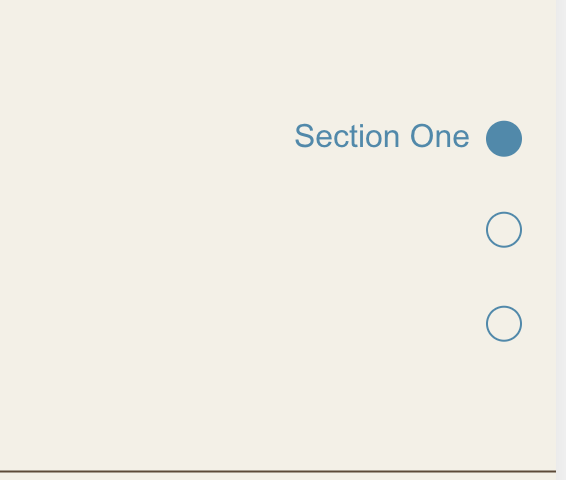
Elegant circular dots appear fixed on the right side of the viewport - each dot represents a page section, filling with color as you scroll to indicate the currently visible section. Clicking any dot smoothly scrolls to that section, providing instant navigation for long-scrolling pages.
The Problem It Solves
Long-scrolling pages can disorient visitors who lose track of where they are or how much content remains. Traditional navigation disappears as users scroll, leaving them without orientation cues. This dot navigation provides persistent visual feedback about page position while offering quick jumps to any section.
Perfect For
Portfolio sites with project showcases, landing pages with multiple sections, storytelling layouts with sequential content, one-page websites with distinct sections, case study presentations with chapter-like structure.
What Makes This Different
The dots automatically track which section is most visible on screen and update in real-time as you scroll. Clicking any dot smoothly scrolls to that section. The navigation stays perfectly centered vertically on the right side of the screen, and the dots can automatically adapt their color to remain visible against any background - light or dark.
Details
Section Type: Fluid Engine
Code Type: CSS + JavaScript
Prerequisites: HTML block with anchor links matching section IDs, section with #anchor identifier
Toolkit Title: Dot Navigation
Learn This Technique
This is one of 150+ code techniques taught inside Standout Squarespace, where you get:
The complete, copy-paste code
Video walkthrough explaining how it works
The principles behind the technique so you can customize it
Access to our private community for support