

Static Scrolling Text Block (Stop Marquee Animation)
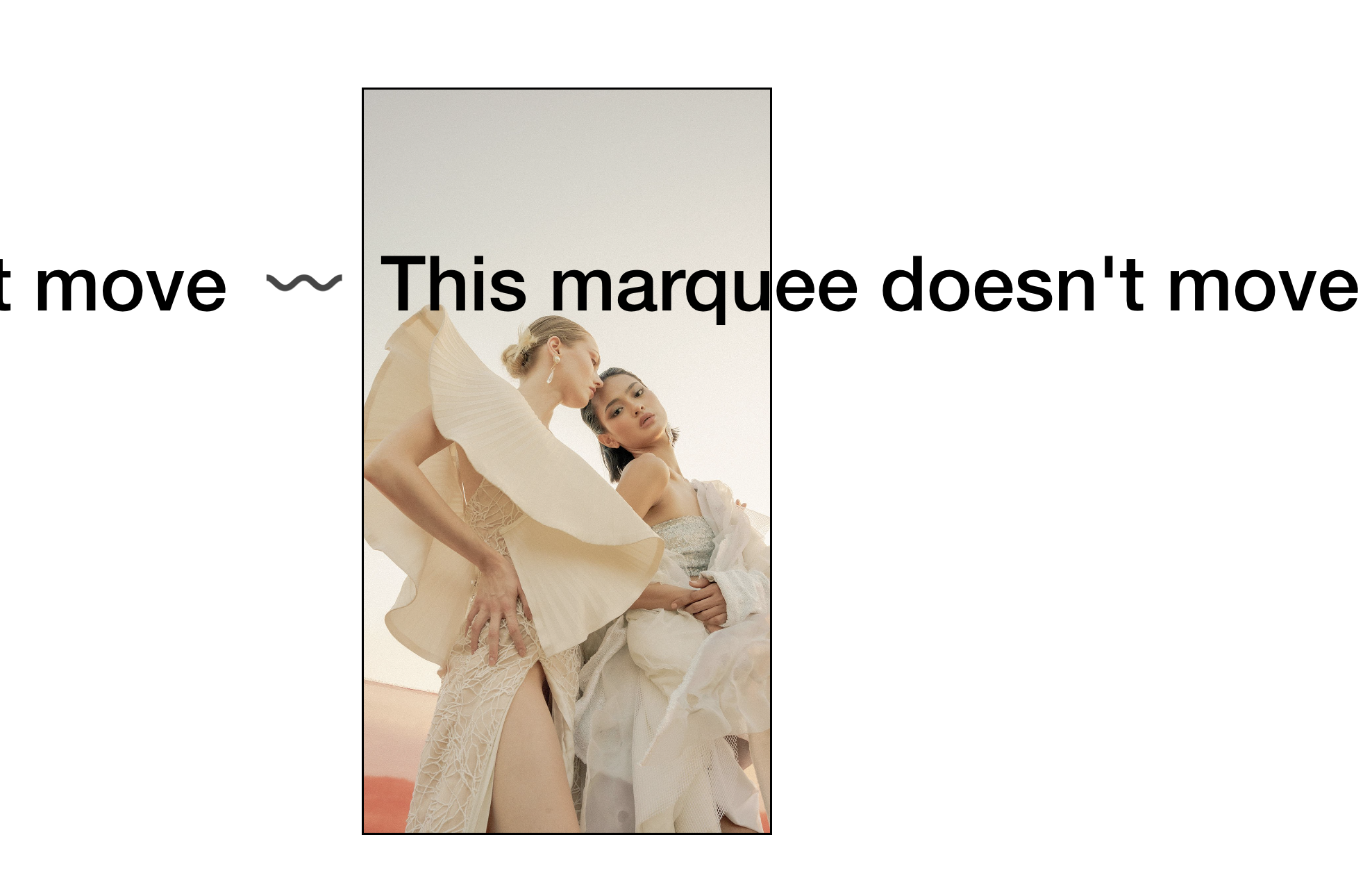
What You'll Create
A static version of Squarespace's Scrolling Text Block (marquee) that stops the animation and displays the text without movement. The technique intercepts the code that normally animates the marquee and prevents it from running, leaving the styled curved text visible but stationary.
The Problem It Solves
The Scrolling Text Block in Squarespace always animates—there's no built-in option to stop it. When you want the distinctive curved SVG text styling but without the movement (for readability, aesthetics, or accessibility reasons), this script provides the solution.
Perfect For
Hero sections wanting curved text without motion, accessibility-focused sites where animation is distracting, designs where the marquee style is desired but not the movement, pages where continuous animation feels overwhelming, print-style layouts with decorative typography.
What Makes This Different
Instead of hiding the block and recreating it, this technique intercepts the animation system and prevents it from updating. The curved text styling remains intact—you get the distinctive aesthetic without the scroll. Clean and minimal intervention.
Details
Section Type: Fluid Engine
Code Type: JavaScript
Prerequisites: Scrolling Text Block added to page.
Toolkit Title: Static Scrolling Block
Learn This Technique
This is one of 150+ code techniques taught inside Standout Squarespace, where you get:
The complete, copy-paste code
Video walkthrough explaining how it works
The principles behind the technique so you can customize it
Access to our private community for support