

Horizontal Scrolling List Section
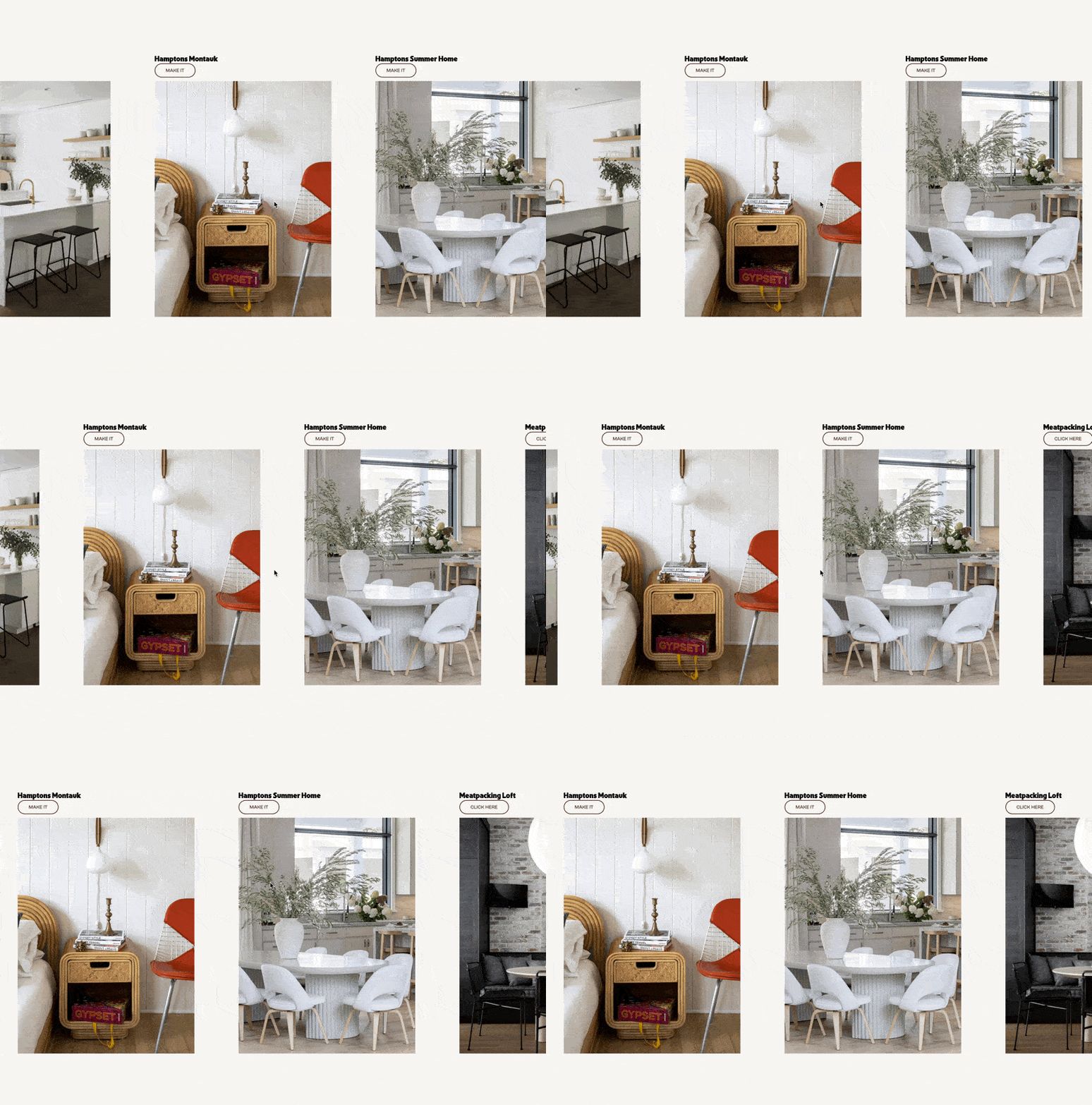
What You'll Create
A List Section that scrolls horizontally while visitors scroll vertically. As you scroll down the page, items in this section slide smoothly from right to left, creating that premium editorial or portfolio-style horizontal showcase. The section stays pinned in view until all items have scrolled through, then releases so normal scrolling continues.
The Problem It Solves
Horizontal scrolling galleries look stunning, but most Squarespace solutions only work with Gallery blocks and break on mobile or tablets. They also typically limit you to one instance per page. This technique works with List Sections — giving you full control over content layout — and handles mobile, tablet, and multiple instances on the same page without conflicts.
Perfect For
Portfolio project showcases, service offering displays, team member introductions, case study highlights, product feature carousels
What Makes This Different
This technique uses a sticky wrapper that stays viewport-height while content scrolls horizontally inside it. The scroll distance is calculated dynamically based on actual content width, so it works regardless of how many items you add. It disables automatically in Squarespace edit mode so you can still manage content normally. Performance is optimized with passive scroll listeners and requestAnimationFrame, keeping the animation smooth even on older devices.
Details
Section Type: Fluid Engine
Code Type: CSS + JavaScript
Prerequisites: List Section with Simple List layout. Anchor link containing 'horizontallist' keyword. JavaScript in Footer Code Injection.
Toolkit Title: Horizontal Scrolling List Section
Learn This Technique
This is one of 150+ code techniques taught inside Standout Squarespace, where you get:
The complete, copy-paste code
Video walkthrough explaining how it works
The principles behind the technique so you can customize it
Access to our private community for support