

Split Text Testimonial Carousel
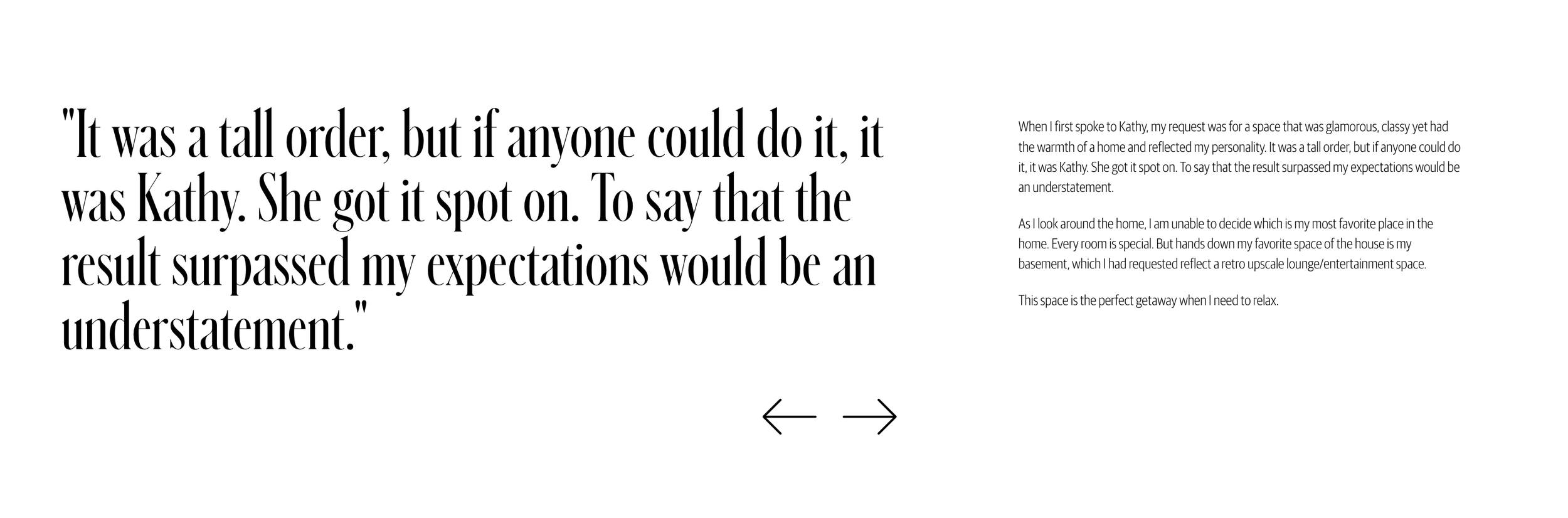
What You'll Create
A text-focused testimonial carousel for your Squarespace site with large quotation marks or names on the left and testimonial text on the right. The split layout emphasizes both the quote and attribution in an editorial, magazine-style presentation.
The Problem It Solves
Standard testimonial carousels stack text vertically, which can feel cramped for longer quotes. When you want that sophisticated split layout - big impact text on one side, detailed testimonial on the other - you need CSS flexbox to restructure the content wrapper.
Perfect For
Testimonial sections, Client quotes, Review showcases, Case study excerpts, Press mentions.
What Makes This Different
CSS transforms the text wrapper into a flex row, placing the title (name or quotation mark) at 50% width on the left with generous typography, while the description flows on the right. The carousel container gets centered positioning with max-width constraints for optimal readability on wide screens.
Details
Section Type: Fluid & Classic
Code Type: CSS
Prerequisites: List Section set to Carousel layout
Toolkit Title: Text Carousel Testimonial
Learn This Technique
This is one of 150+ code techniques taught inside Standout Squarespace, where you get:
The complete, copy-paste code
Video walkthrough explaining how it works
The principles behind the technique so you can customize it
Access to our private community for support