

Pseudo Buttons from Text Links
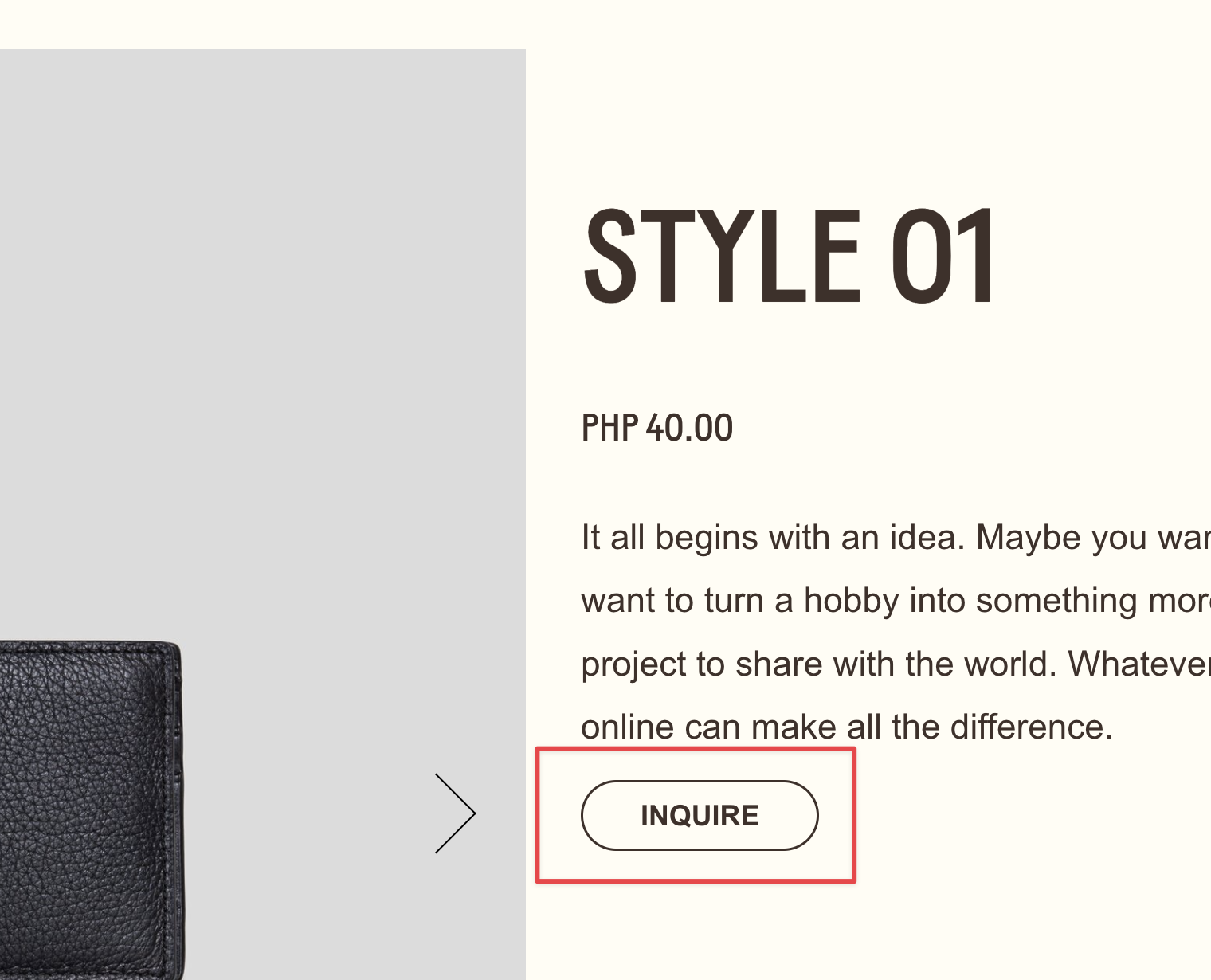
What You'll Create
Style text links in Squarespace to look exactly like native buttons—with matching fonts, colors, padding, and hover effects. Transform any inline text link into a polished button without using the Button Block.
The Problem It Solves
Squarespace's Button Block has positioning limitations in certain layouts. Sometimes you need a button-styled link inside a paragraph, in a location where Button Blocks can't go, or you want multiple button styles without creating new button types. This technique lets any text link inherit your site's button styling.
Perfect For
Inline call-to-actions, Text block buttons, Custom button placements, Multiple button variations, Links that need button styling.
What Makes This Different
The styling uses Squarespace's native style variables to pull your existing button design—font family, size, weight, letter spacing, colors, and hover states. By targeting text set to "Large" size, you can selectively transform specific links into buttons while leaving regular links alone. The result is perfectly consistent with your site's design system.
Details
Section Type: Fluid & Classic
Code Type: CSS
Prerequisites: Text Block with link, Text size set to Large
Toolkit Title: Pseudo-buttons (Apply button styles to texts)
Learn This Technique
This is one of 150+ code techniques taught inside Standout Squarespace, where you get:
The complete, copy-paste code
Video walkthrough explaining how it works
The principles behind the technique so you can customize it
Access to our private community for support