

Portfolio List with Hover Images
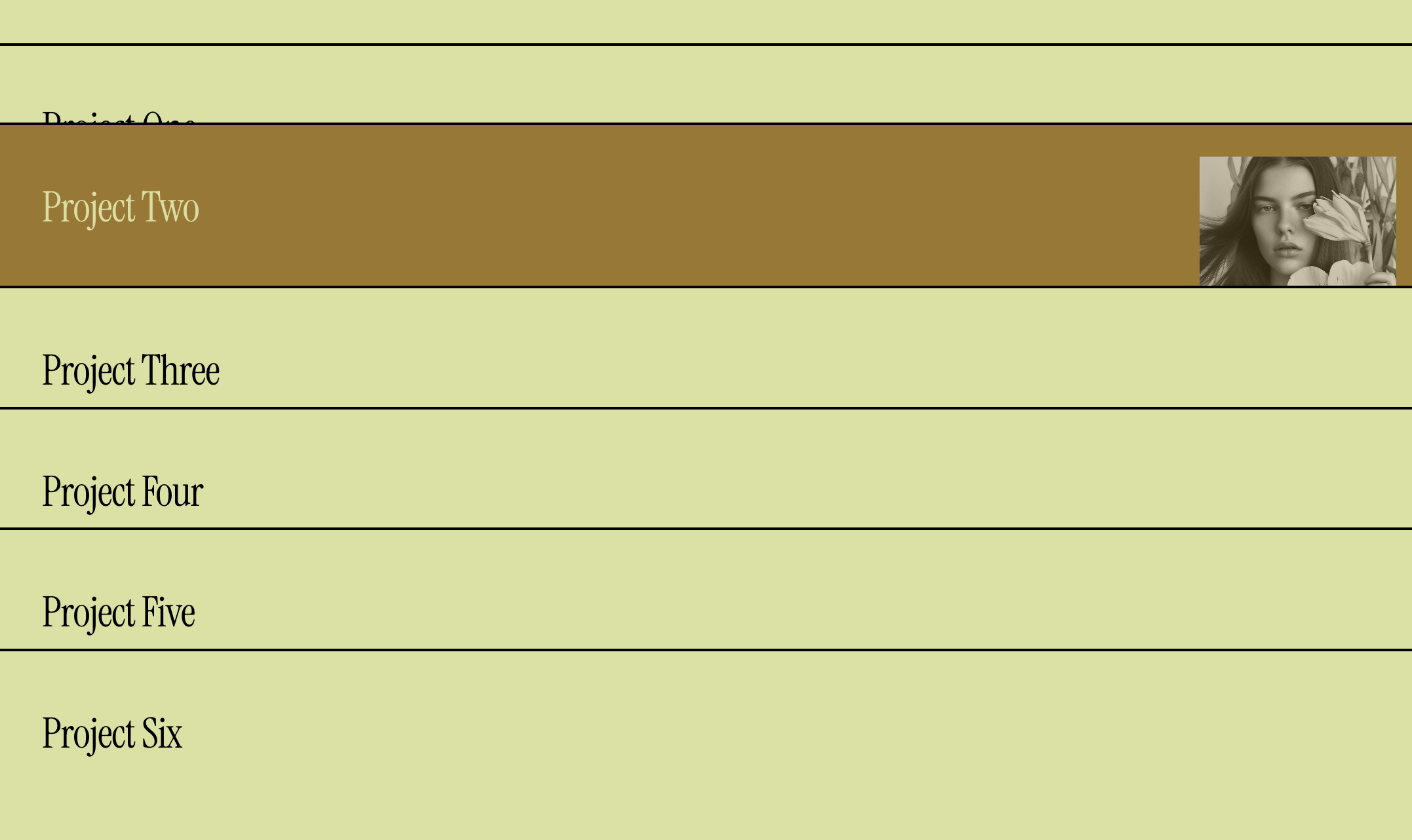
What You'll Create
A portfolio grid that displays project titles as a text list, with images appearing on hover. Projects are stacked vertically with border separators, and hovering over each title reveals its thumbnail image - creating an elegant, interactive portfolio experience.
The Problem It Solves
Squarespace's portfolio layouts show either all images or all text by default. When you want a minimalist text-first portfolio that reveals images only on interaction, you'd typically need a completely custom build. This technique transforms the standard portfolio grid into a sophisticated hover-reveal layout.
Perfect For
Minimalist portfolio pages, Agency work showcases, Photography indexes, Design project lists, Creative studio portfolios.
What Makes This Different
The portfolio grid is restructured to display as a vertical list of project titles, each with a subtle border separator. Images are hidden by default and positioned absolutely, appearing smoothly when you hover over the project name. The entire row shifts slightly on hover, and you can customize the background and text colors for the hovered state.
Details
Section Type: Fluid & Classic
Code Type: CSS
Prerequisites: Portfolio Section set to Grid layout
Toolkit Title: Portfolio List Image on Hover
Learn This Technique
This is one of 150+ code techniques taught inside Standout Squarespace, where you get:
The complete, copy-paste code
Video walkthrough explaining how it works
The principles behind the technique so you can customize it
Access to our private community for support