

List Autoscroll Marquee
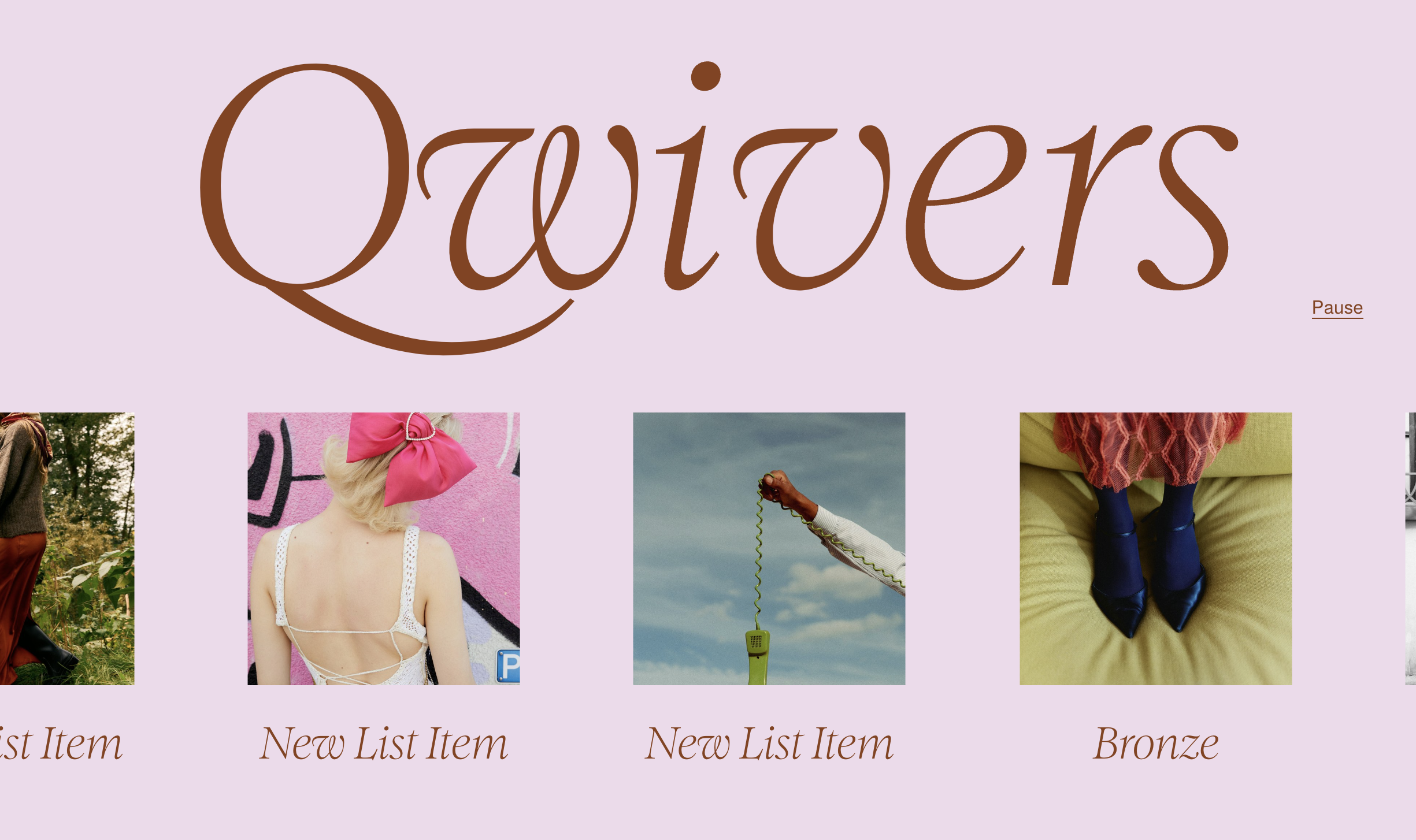
What You'll Create
Your List Section transforms into a smooth, continuously scrolling horizontal marquee. Items glide across the screen in an endless loop, with optional play/pause controls so visitors can stop the movement when they want to focus on specific content.
The Problem It Solves
Squarespace's List Section carousel requires manual navigation - visitors must click arrows or swipe to see more items. For content like client logos, testimonials, or feature highlights, automatic continuous scrolling creates a more dynamic, engaging experience without requiring user interaction.
Perfect For
Client logo showcases, Testimonial carousels, Feature highlight strips, Partner brand displays, Award or certification badges.
What Makes This Different
This technique uses Squarespace's built-in carousel functionality as a foundation, then adds smooth autoscrolling behavior. You can configure the scroll speed, whether it pauses when visitors hover, and optionally add a play/pause toggle button. The scrolling is buttery smooth and works great on both desktop and mobile.
Details
Section Type: Fluid Engine
Code Type: CSS + JavaScript
Prerequisites: List Section set to Carousel with infinite scroll enabled, #marquee anchor ID, More items than maximum column setting
Toolkit Title: List Autoscroll (Marquee)
Learn This Technique
This is one of 150+ code techniques taught inside Standout Squarespace, where you get:
The complete, copy-paste code
Video walkthrough explaining how it works
The principles behind the technique so you can customize it
Access to our private community for support