

Auto Banner Slideshow Mobile View
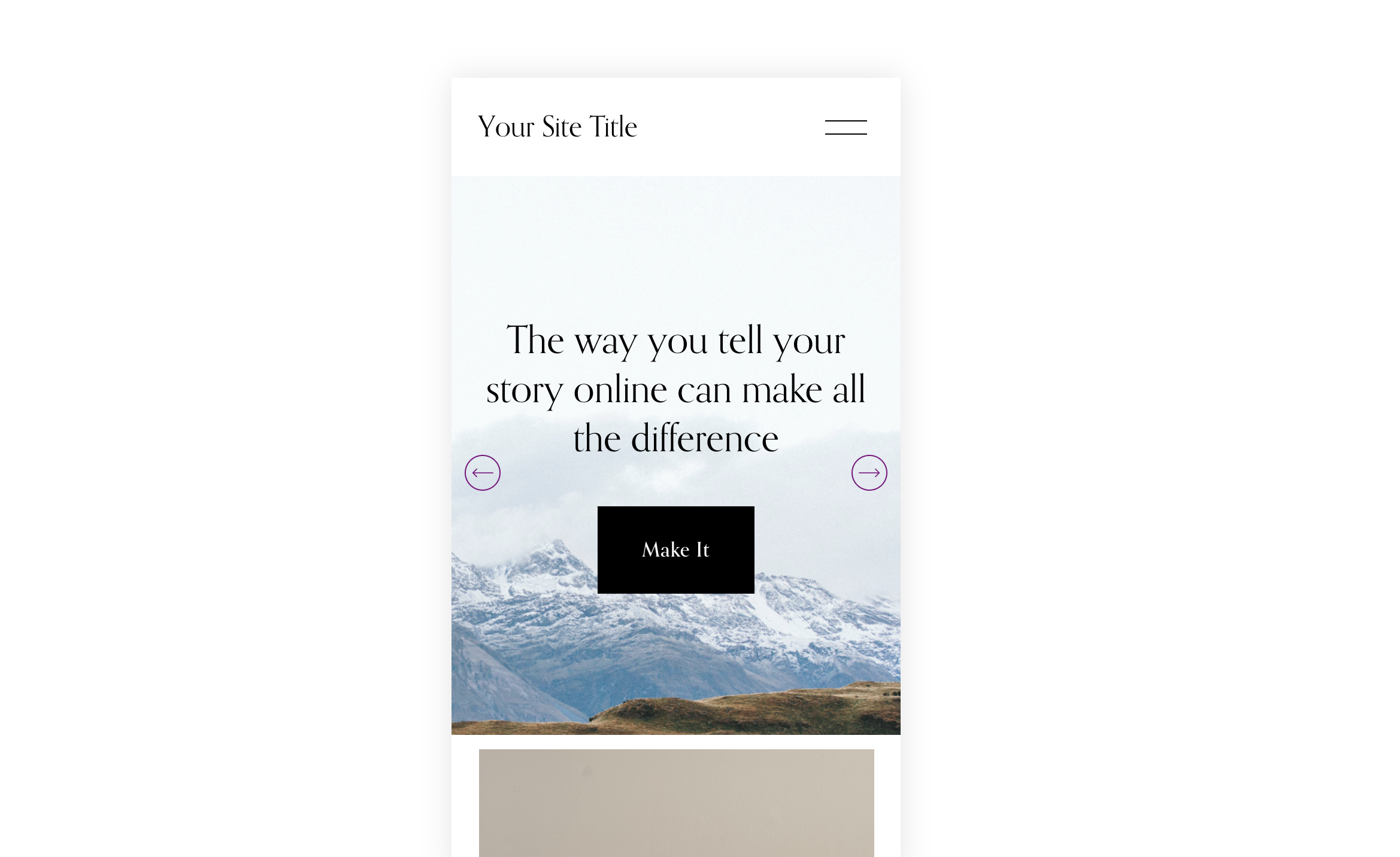
What You'll Create
Customize the mobile view of Auto Layout Banner Slideshows including height, padding, and arrow styling.
The Problem It Solves
Mobile slideshows often look cramped or have oversized arrows. This technique provides control over the mobile slideshow experience.
Perfect For
Hero sections, Homepage banners, Product showcases, Portfolio displays, Full-width sliders.
What Makes This Different
CSS media queries target mobile-specific slideshow elements including min-height, padding, and arrow button styling.
Details
Section Type: Fluid & Classic
Code Type: CSS
Prerequisites: Auto Layout banner slideshow
Toolkit Title: Auto Banner Slideshow Mobile View
Learn This Technique
This is one of 150+ code techniques taught inside Standout Squarespace, where you get:
The complete, copy-paste code
Video walkthrough explaining how it works
The principles behind the technique so you can customize it
Access to our private community for support